Cadenforge

What custom software could change for you

Four common cases. Your project will have its own rules, which we define with you.

Your team’s requests, in one place

A tool where your team submits, approves and follows every request.
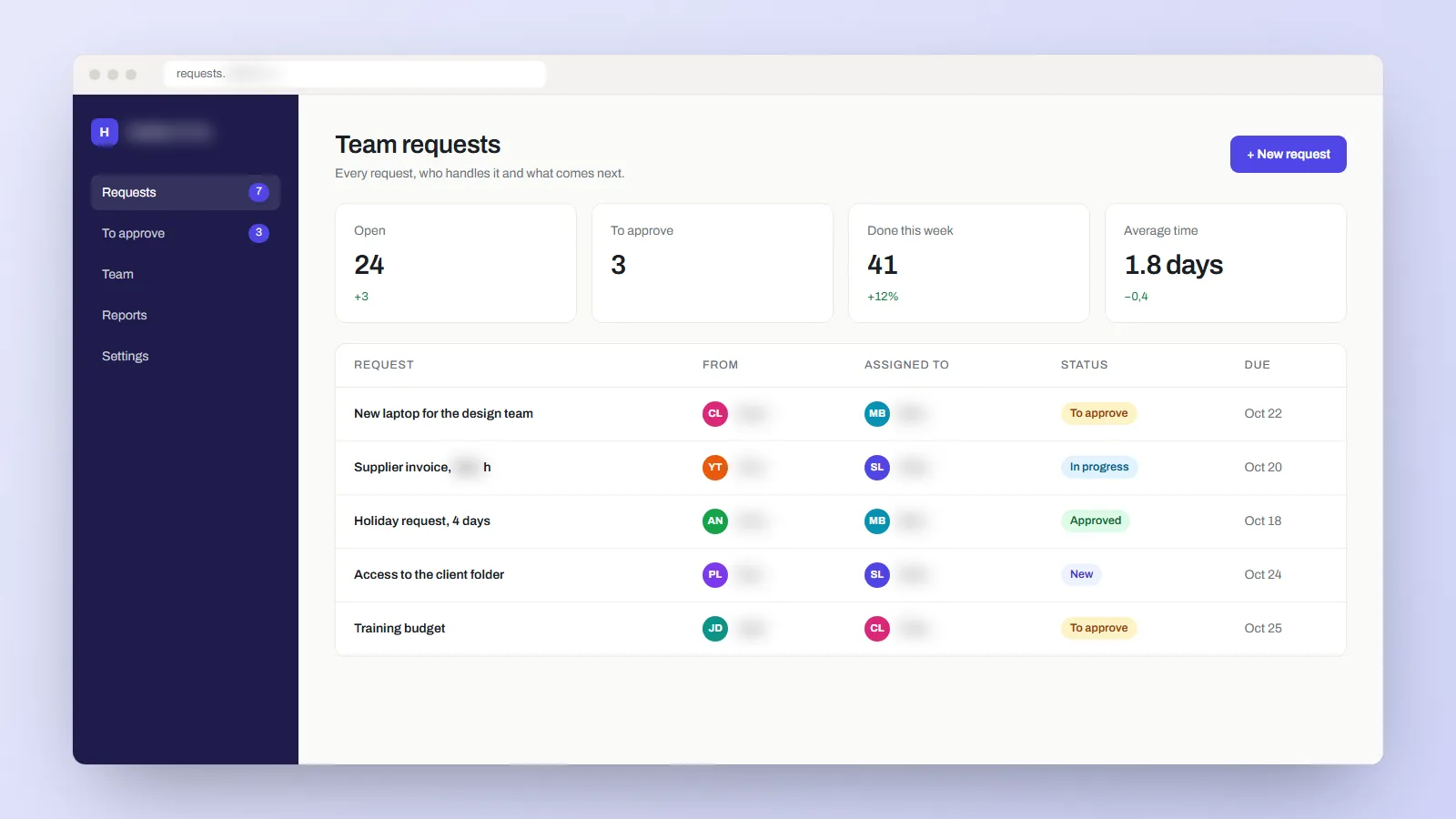
Illustration of a team tool: the requests of a team, who handles each one and its status.
Illustration
What it changes

Today a request comes in by email, its follow-up is in a spreadsheet and the approval happens elsewhere. The tool brings the three together, and everyone sees what they have to do.

In three steps
  1. A team member submits a request.
  2. The right person reviews and assigns it.
  3. Everyone finds its status and the next action.
What we will define together
  • Who submits, who approves, who manages?
  • What information does each request need?
  • Which figures or exports do you need?
Good to know

Links with your other software, file storage and complex approval rules are planned from the start, so the price accounts for them.
Your clients follow their file on their own

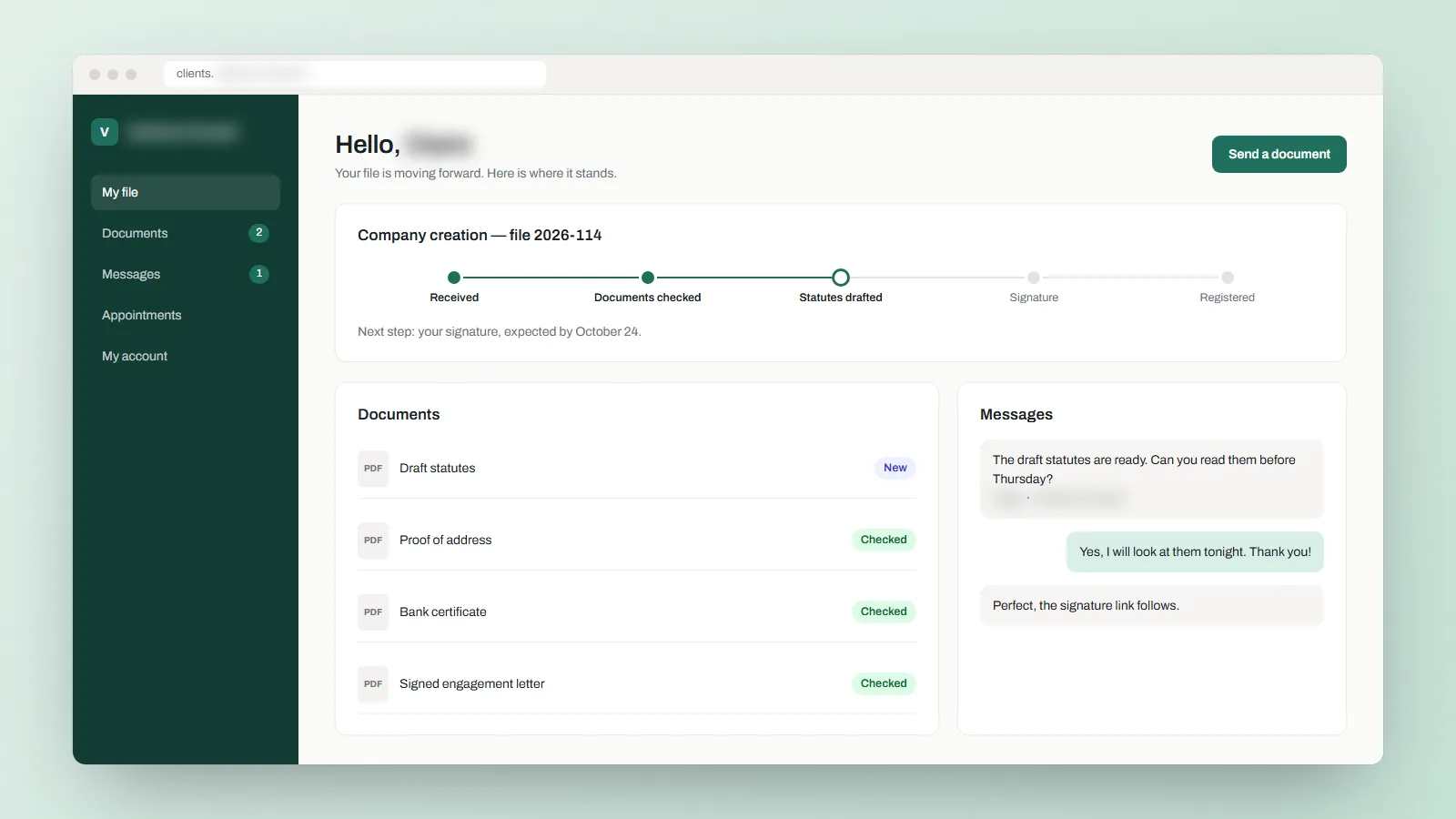
A space where each client finds their requests, their documents and the progress of their file.

Illustration of a client space: the progress of a file, its documents and the messages with the firm.
Illustration
What it changes

A client wants news, and your team searches its messages to answer. With their space, they check their requests, documents and progress themselves, at any hour.

In three steps
  1. The client signs in to their space.
  2. They submit a request or open a document.
  3. Your team updates the file and answers them.
What we will define together
  • What should each client see?
  • Who can add or download documents?
  • When should the client be told by email?
Good to know

Each client sees only their own file. Emails, document storage and links with your tools are planned from the start.

Sell your service online

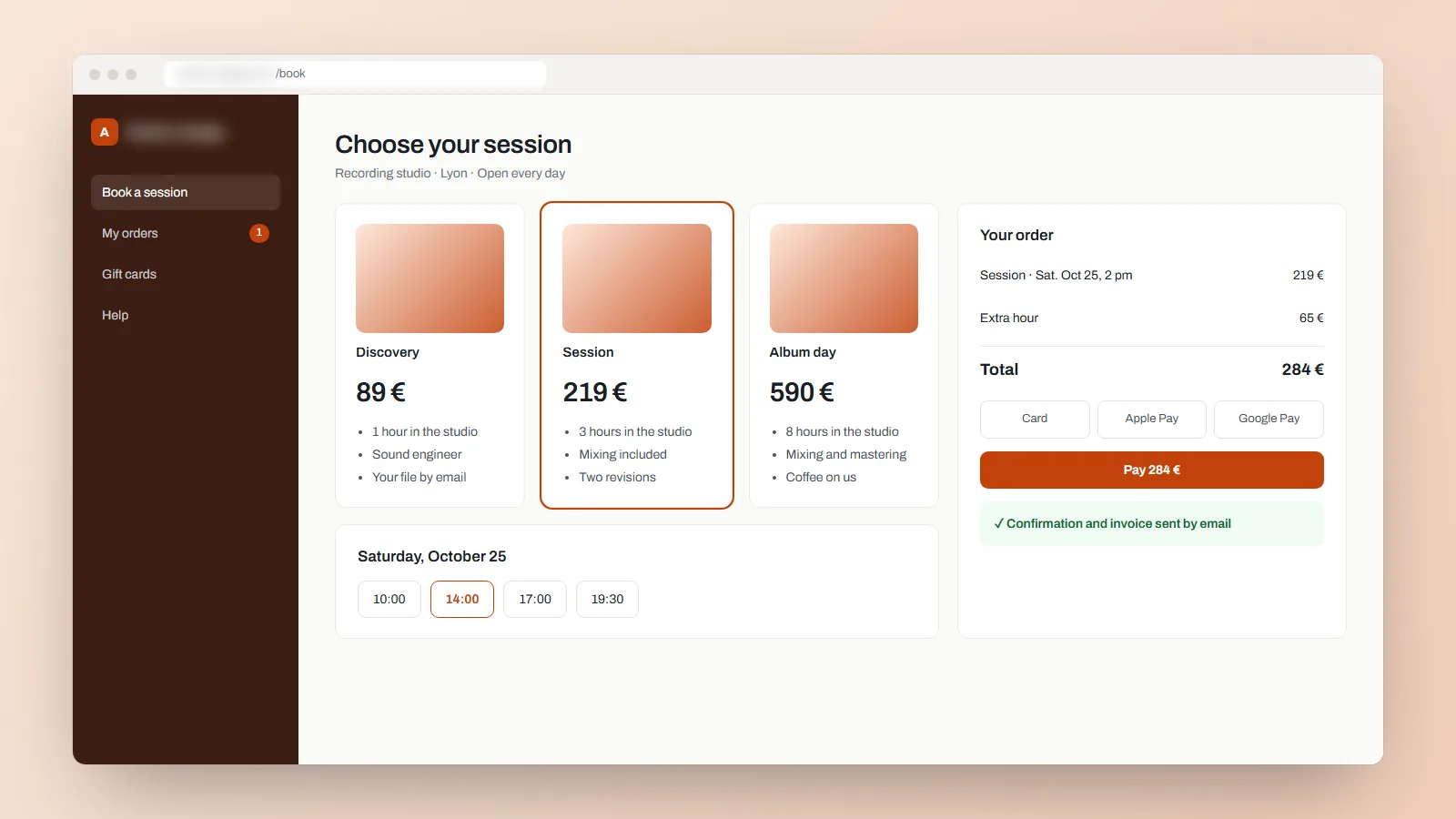
Your offer, the payment and your customer follow-up in one application.

Illustration of an online sale: three offers, a time slot and the payment of the order.
Illustration
What it changes

Selling a service takes more than a payment button: a clear offer, a simple purchase, a confirmation, then the follow-up after the sale. The application handles the whole journey.

In three steps
  1. The customer chooses your service.
  2. They pay online.
  3. They receive their confirmation and follow their order.
What we will define together
  • What exactly does a purchase include?
  • What happens if a payment fails or is cancelled?
  • Who handles refunds and customer questions?
Good to know

Online payment is included from the Professional offer. Payments between your customers and links with other software are worked out with you.

Your field team, even without a network

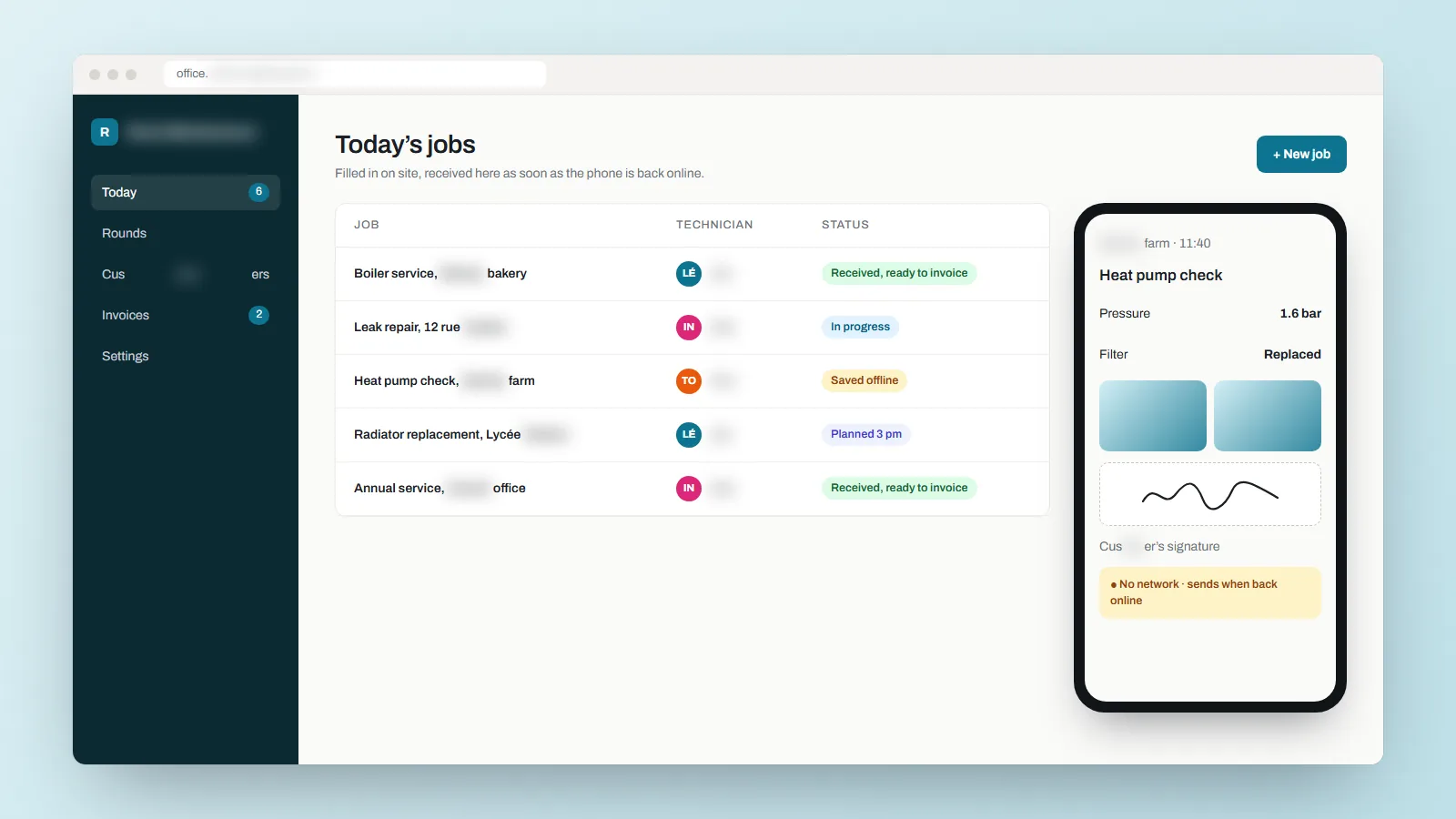
Your technicians fill in their jobs on their phone. Everything reaches the office as soon as they are back on the network.

Illustration of a field app: the day’s job on a phone, its photos, the customer’s signature, and the office receiving it.
Illustration
What it changes

Today paper sheets come back in the evening, sometimes unreadable, and the office types everything again. With the application, the job is filled in on site, with the photos and the customer’s signature, and the office receives it.

In three steps
  1. The technician opens the day’s job on their phone.
  2. They fill it in on site, with photos and the customer’s signature.
  3. The office receives it and prepares the invoice.
What we will define together
  • What must a job sheet contain?
  • Who plans the rounds?
  • What should the application do when there is no network?
Good to know

Working without a network is included from the Business offer. An iPhone application is on quote.

Tell us about your project.

Describing your project costs nothing.

Start my project