From your description to delivered software
Everything happens in your Cadenforge space. Here is each step, with the screen that goes with it.
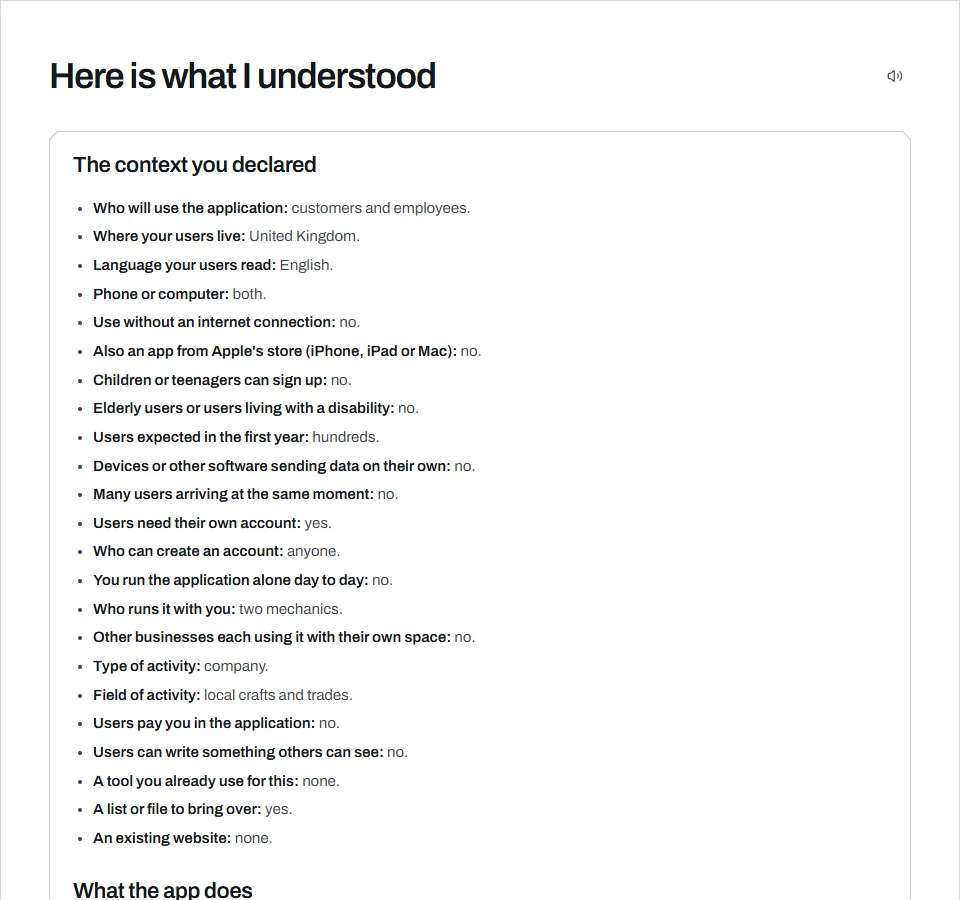
You explain your project
Tell us about your business and add your documents if you have any. Minus asks you questions, then shows you what it understood. You correct it, then you approve.
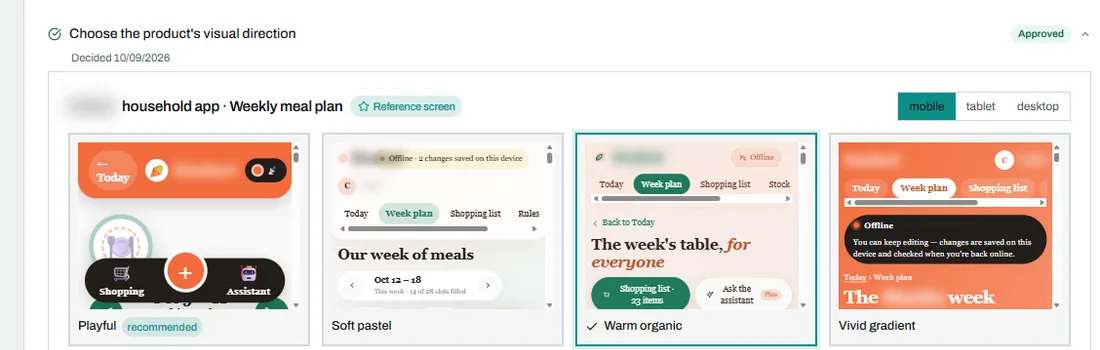
You choose the look
Give your logo and colours. If a colour is hard to read, Minus tells you. You can show an app whose style you like. For each screen you pick one of several mockups, or ask for a mix. The code is written afterwards.
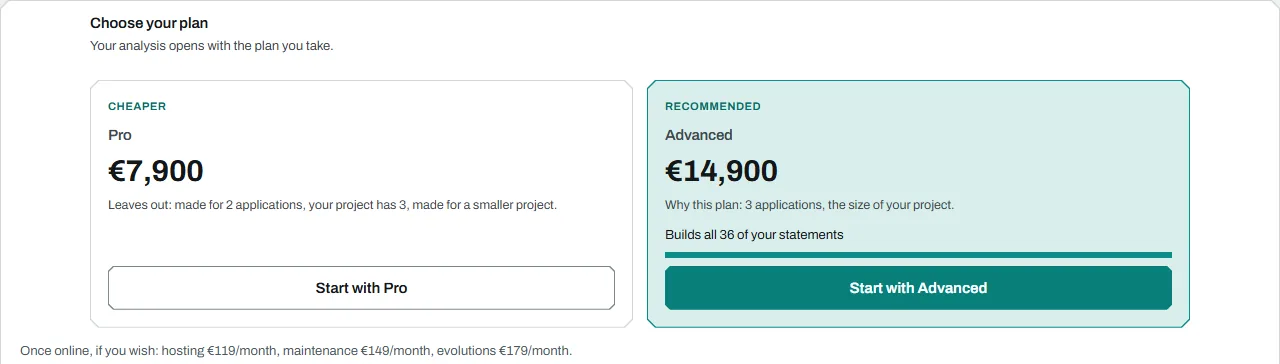
You know your price
Your list of features sets the offer. You see its price and what it includes, then you order.
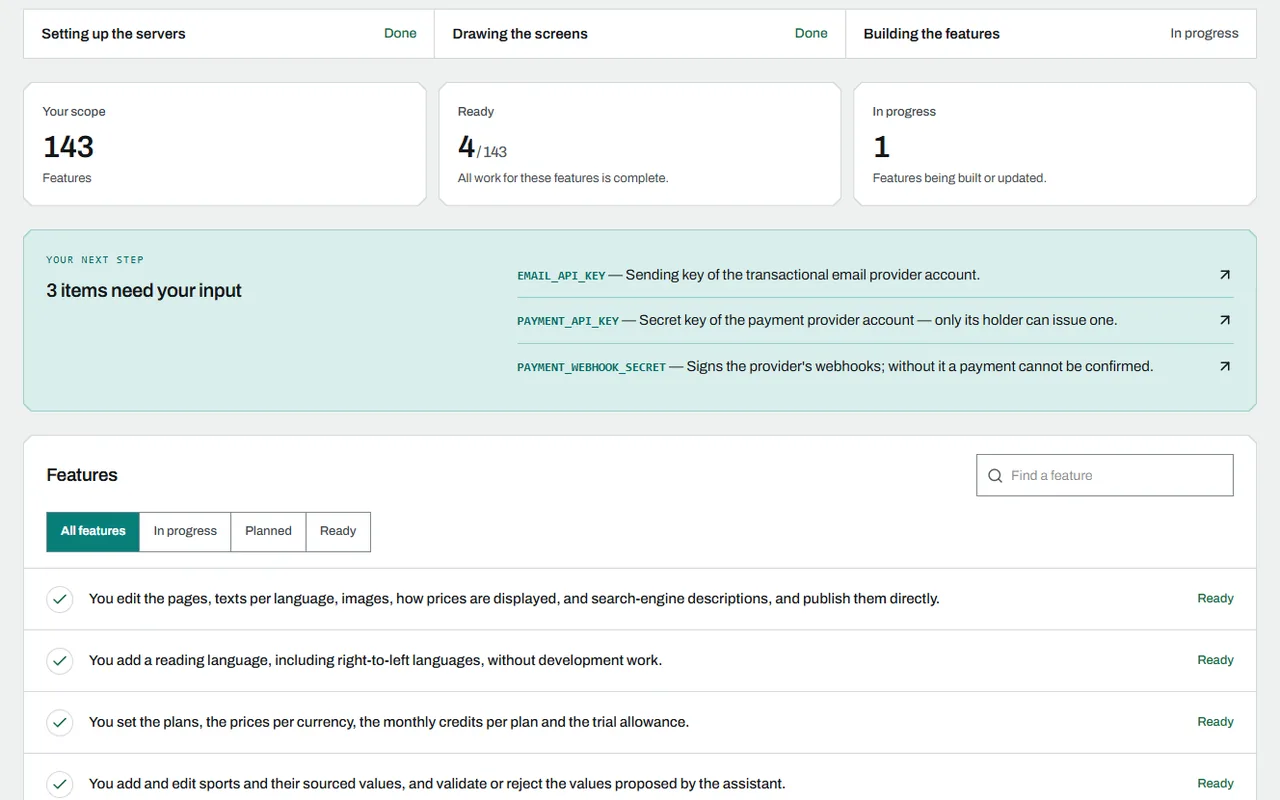
You follow the progress
You see what is ready, what is being built and what waits for your answer. Your software’s documentation is written as the project goes, in plain words. You can pause the build at any time.
You try it, then you approve it
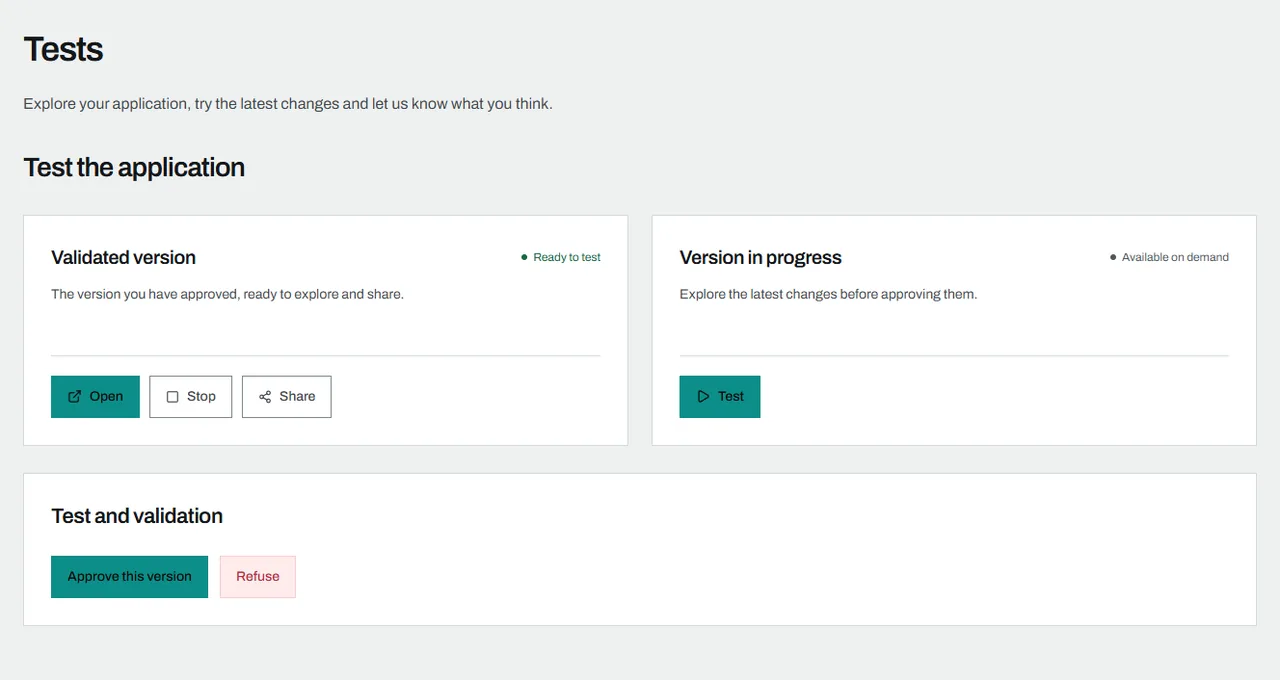
Open your application in the browser, on a phone or on a computer, or install it. Two versions are available: the one you approved and the one with the latest features. You approve each feature, or you say what to change. During the build, additions and changes are included in the price, within a limit set for your project. Beyond it, Minus gives you the price before you confirm. The people who test with you get a link and need no account.
You report a problem
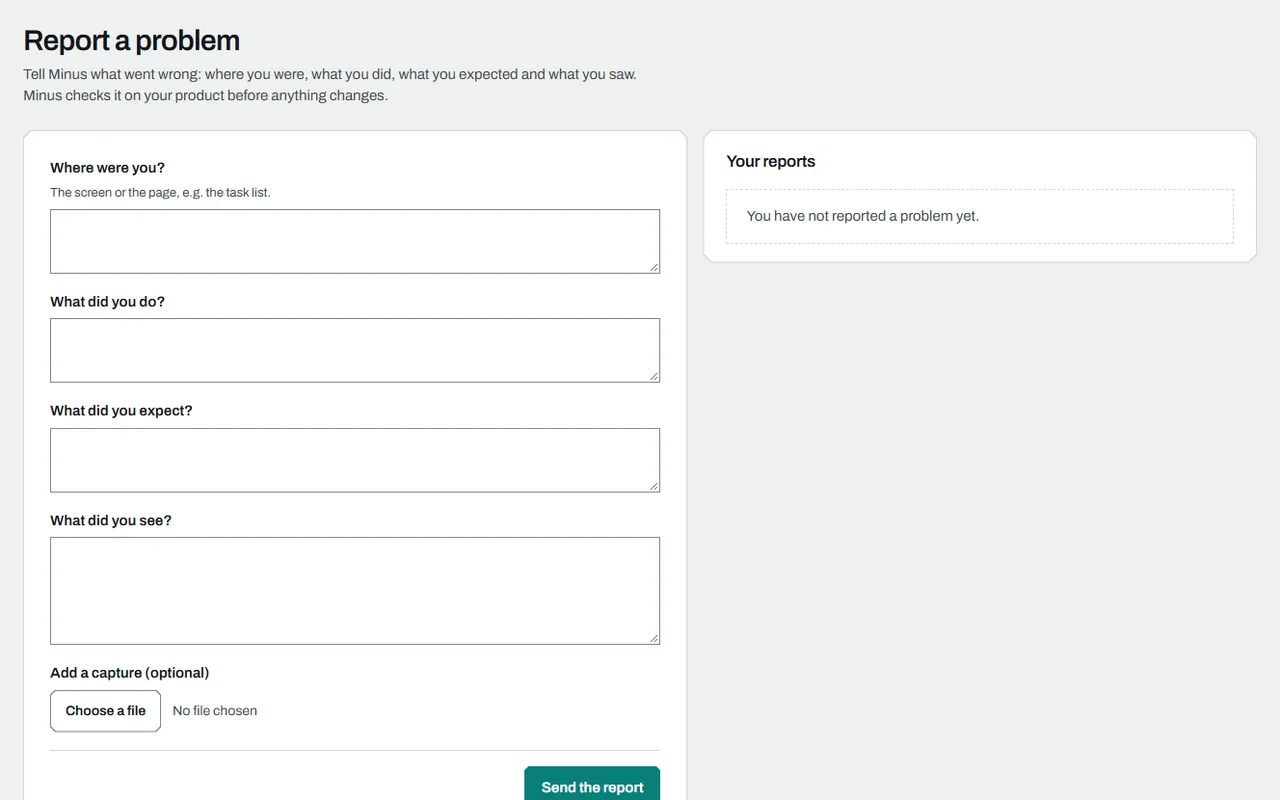
Four questions: where were you, what did you do, what did you expect, what did you see. A screenshot if you like. We reproduce the problem on your application before fixing it, and you follow the fix in your space.
You make your application evolve
Ask Minus to add, change or remove a feature. An adjustment that does not change what the feature does is included, as are small fixes if you have maintenance. The rest is taken from your monthly evolution credit. Beyond it, or without an Evolutions subscription, Minus gives you the price before you confirm.
Your team and your code
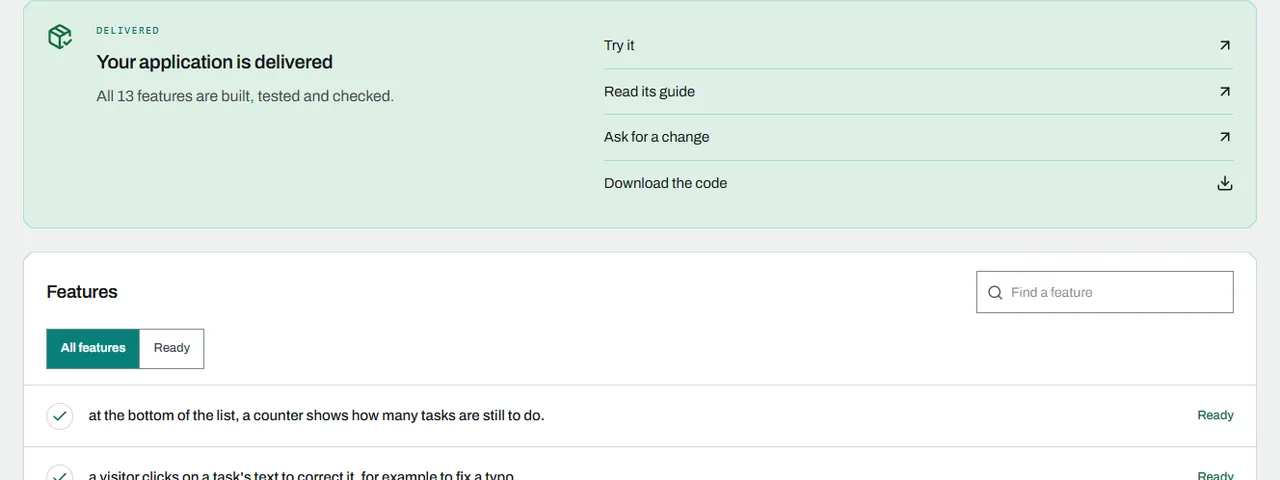
Invite the people on your team and choose what each one can do. An assistant guides you to add the keys of your services. Once the software is delivered, you download its code.
What you receive
- The software, put online by us if you take the hosting
- Its complete code, in an archive
- Its tests and its technical documentation
- The application’s guide